AutoCAD Specialised Toolkits
AutoCAD software is suited to design anything, now with time-saving specialised toolsets.
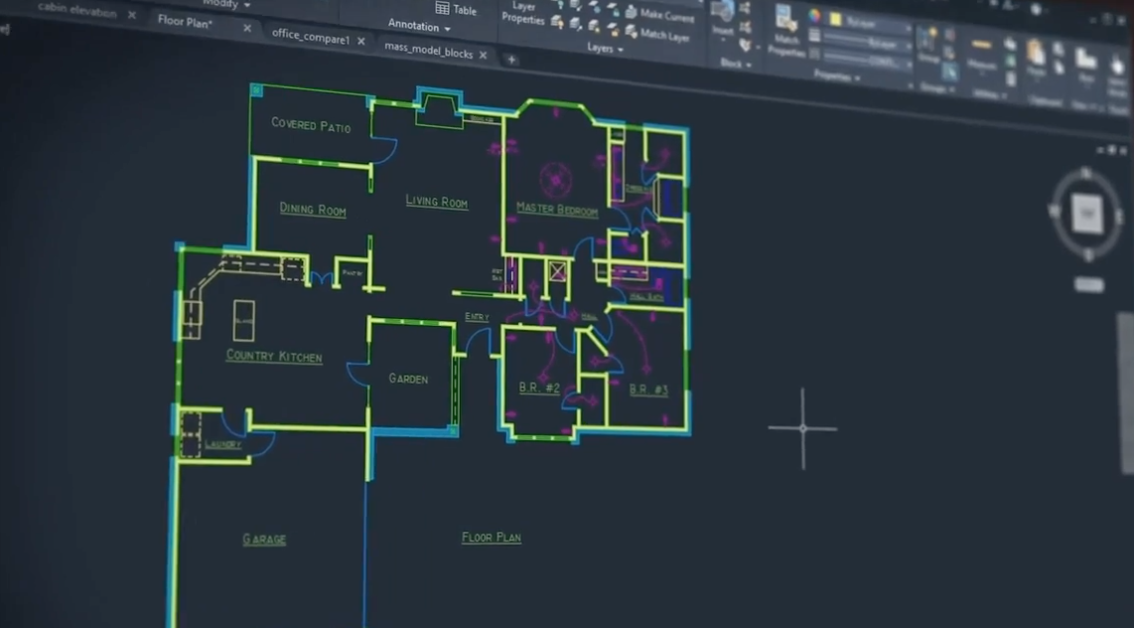
AutoCAD software gives architects, engineers and construction professionals the ability to create precise 2D and 3D drawings.

-
AutoCAD Software Overview
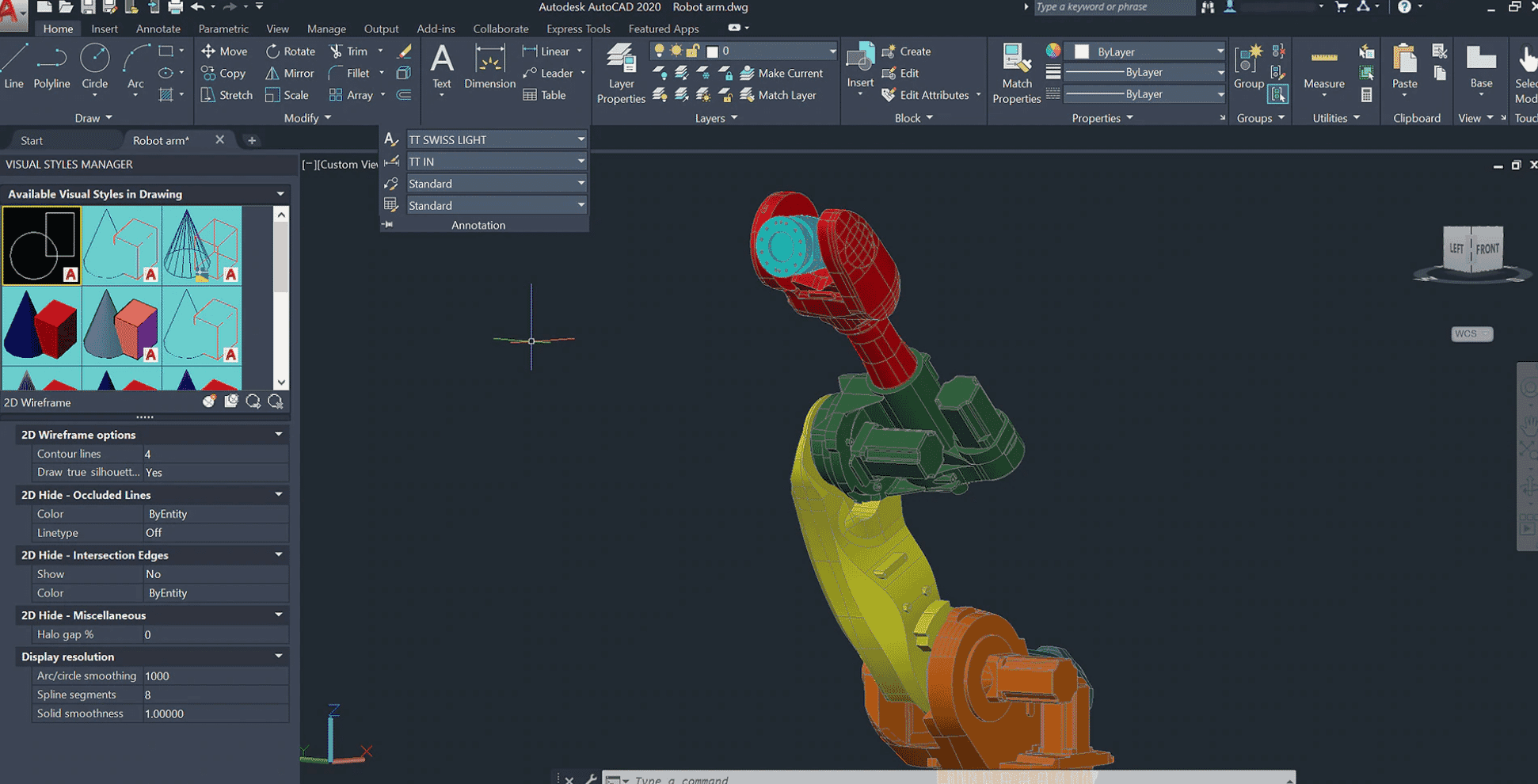
Design every detail with Autodesk AutoCAD software, one of the world’s leading CAD applications. Create stunning 2D and 3D designs with innovative tools that are always up-to-date–and can produce almost any shape imaginable–with your personalised design solution.
The latest AutoCAD software includes industry-specific toolsets; improved workflows across desktop, web and mobile; and new features.
Top AutoCAD features include:
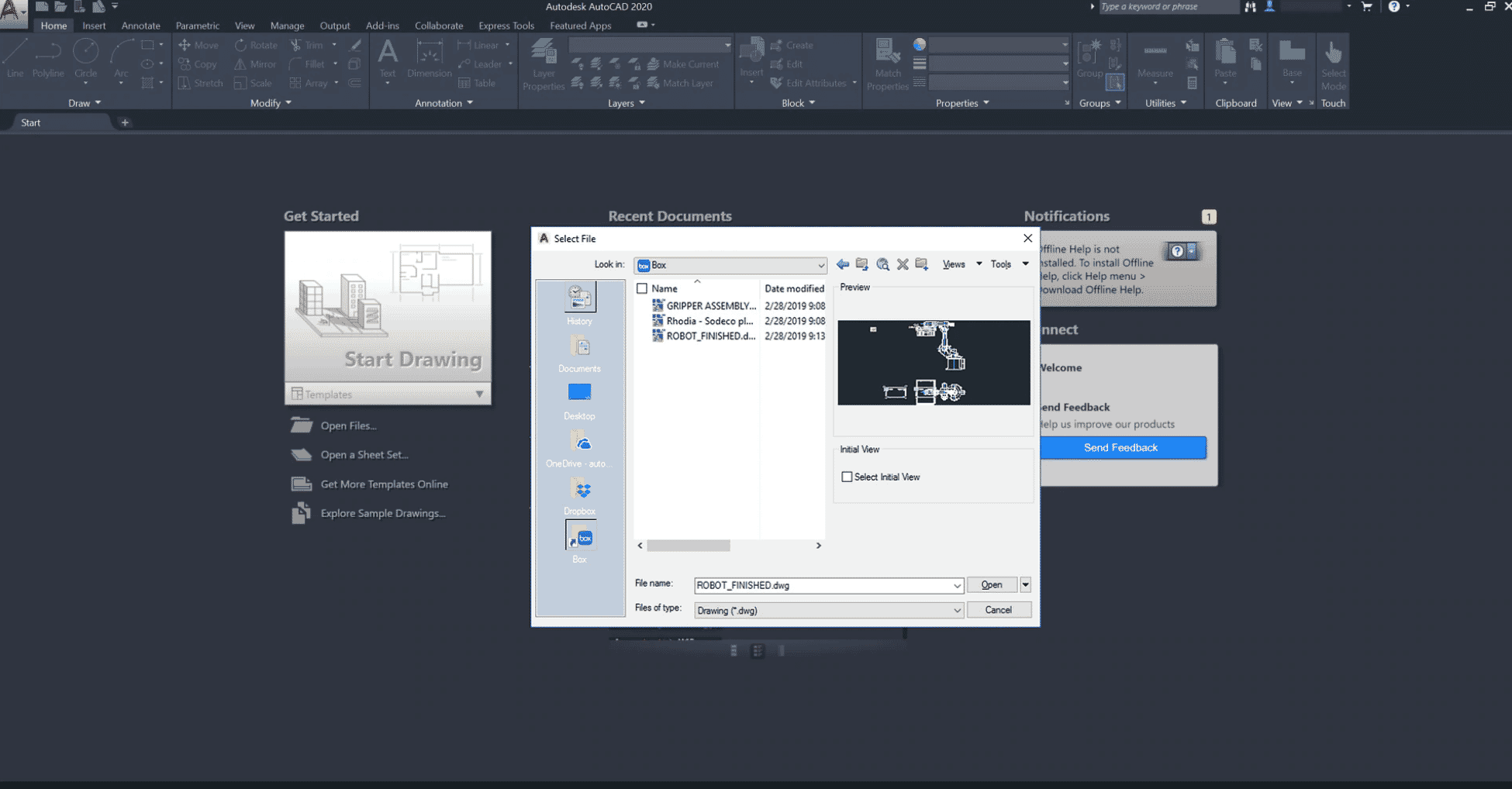
- Cloud storage connectivity
- Blocks Palette
- Enhanced DWG Compare
- Shared Views
- Solid, surface & mesh modelling
- Cloud Rendering
- CUI customisation
- + more.
-
-
AutoCAD Specialised Toolkits pricing
Product Cost AutoCAD Specialised Toolkits Autocad-lt - 1 Year £405.00
Exc. VATAutoCAD Specialised Toolkits Autocad-lt - 3 Years £1,215.00
Exc. VATAutoCAD Specialised Toolkits Specialised-toolkits - 1 Year £1,655.00
Exc. VATAutoCAD Specialised Toolkits Specialised-toolkits - 3 Years £4,965.00
Exc. VAT -
Frequently Asked Questions
-
Can AutoCAD create electrical schematics?
Yes it can, but you will need to use AutoCAD electrical which is part of the specialised toolkit.
-
Can AutoCAD design in 3D?
Yes. However there are limitations and design process issues.
-
Can AutoCAD work to BIM level 2?
Yes but definitely not the most suited tool for the job.
-
Does your AutoCAD essentials training course cover the full toolkit?
No. there are specific courses for each type of AutoCAD. Get in touch with our training team to find out more.
-
Whats included in the AutoCAD toolsets?
AutoCAD includes industry-specific features and libraries for architecture, mechanical design, electrical design, MEP, Raster design & Map 3D toolsets.
-
Can AutoCAD create electrical schematics?
-
Don't just take our word for it...
"Staging a scene using AutoCAD"The processes that we use in theatre and the speed of change, AutoCAD just enables us to really keep up with the process unlike any other programme. It allows us to be accurate in what we're producing but also organic, which is a really hard balance to find.Project Draughtsman | London National Theatre"Reinventing the wheel using AutoCAD"By drafting everything in Autodesk software and using computational fluid dynamics software, we could study how a design might perform in a wind tunnel without all of the cost.Cofounder | Flo Cycling