
Learn to become a confident, capable and more efficient Inventor user

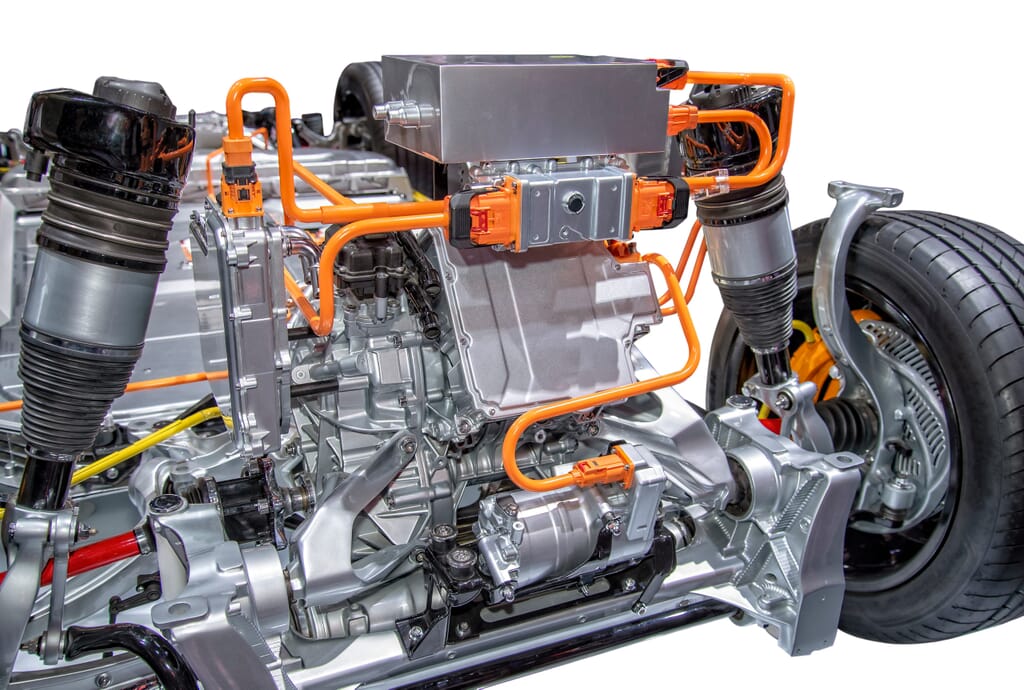
This one-day training course will teach delegates the functionality and basic workflows to add and document cable and harness designs within the 3D environment.
This one-day training course will instruct engineers in the best usage and approaches for using Autodesk Inventor Dynamic Simulation.
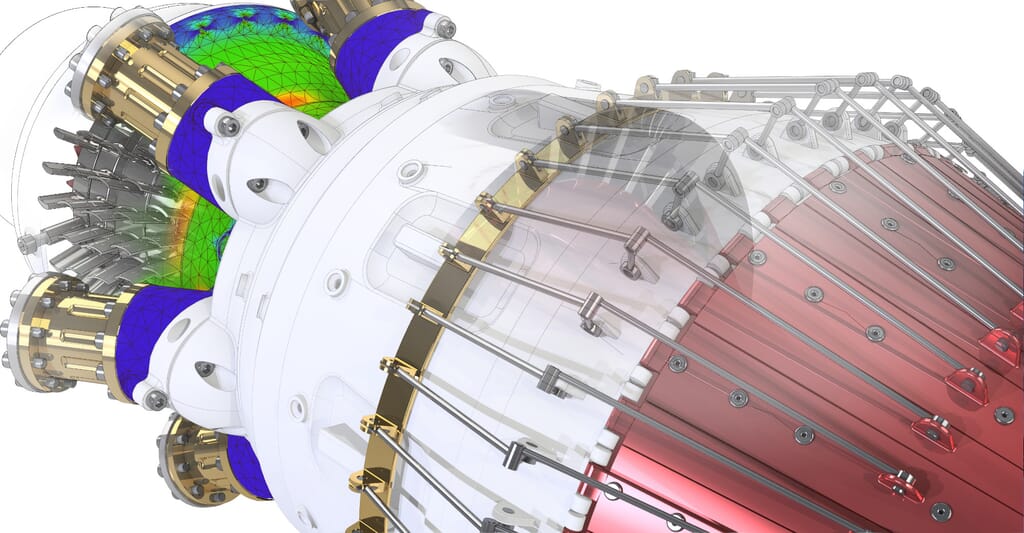
This one day course will cover the basics of stress, modal & frame analysis. The course will begin FEA theory & move onto thoroughly explaining the stress, modal & frame analysis workflows & user interface.
This one day course is designed to give a thorough introduction to using iLogic within Inventor.
This one day course introduces to delegates the concepts & techniques of sheet metal modelling.
This one day course teaches delegates the functionality and basic workflows to add and document tube and pipe designs within the 3D environment.
This course builds on the skills acquired in the Inventor Essentials training & is designed to take delegates to a higher level of productivity, creating & working with assemblies utilising Inventor.
This course builds on the skills acquired in the Inventor Essentials Training & is designed to take delegates to a higher level of productivity.
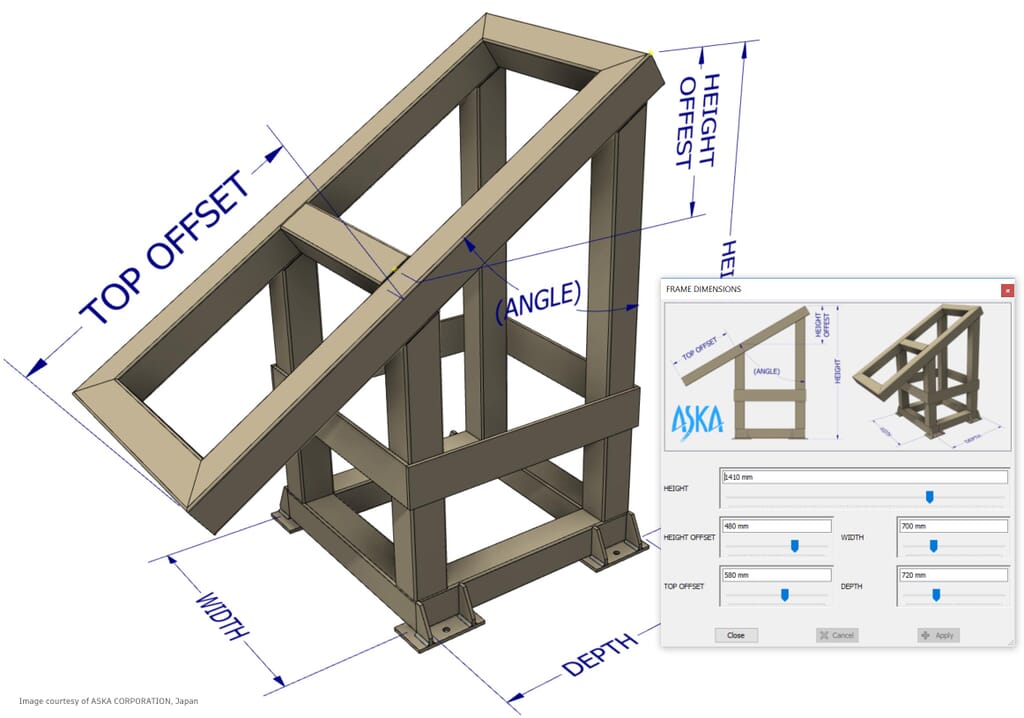
This course is designed to instruct students in the best usage & approaches for the parametric design philosophy through a hands on, practice intense curriculum.
Need advice, or not sure what training course is suitable for you? One of our experts is on hand to help. Please contact:
Looking for private group training or a 1-2-1 session?
Our bespoke courses are organised on dates to suit you, either at your office or ours — whichever you’d prefer.
Launched in 1999 by the US software pioneer Autodesk, Inventor is recognised as one of the most powerful 3D CAD design programs available. From 3D mechanical design and simulation to tooling creation and design communication, Inventor users benefit from a smoother digital prototyping workflow, letting them design and build better products and bring them to market faster. With flagship features of Inventor including Shape Generator, Parametric Modelling, Assembly Modelling and Drawing Creation, Inventor training is invaluable to unlock the full potential of this open-ended software.
While both are developed by Autodesk and share common features, there are important differences between Inventor and AutoCAD. Fundamentally, AutoCAD is geometry-based and relies on geometric designs as the foundation for its 2D drafts and 3D models. By contrast, Inventor specialises in mechanical design and digital prototyping. If you’re unsure which software type will best suit your business objectives, simply pick up the phone or drop a line to the Cadspec team.
Most self-taught Inventor users develop bad habits and only scratch the surface of what this powerful software is capable of. As such, many time-poor businesses find it far more effective to book their designers onto Cadspec’s Inventor courses, letting them bypass the dead ends and rapidly build up a comprehensive skillset that can be applied to real-world projects. As an Autodesk Authorised Training Centre, our experienced trainers know this dynamic software inside-out and are ready to lead you from our Inventor Essentials course to Inventor Pipe Modelling, Inventor iLogic and beyond.
Just as Inventor has almost infinite applications, at Cadspec, we pride ourselves on an open-ended approach to training. Beyond the Essentials training that gets you up and running, our workshops address key areas like Tube & Pipe, Cable & Harness, Dynamic Simulation or FEA & Frame Analysis. But if there’s a particular subject area you’d like us to touch on in greater detail, just let us know. Likewise, whether you’d prefer to join a general workshop or book a private Inventor training course for your team, we’ll be glad to work with your requirements.
Because Cadspec is an Autodesk Authorised Training Centre – and officially approved by the US software company itself – you can be confident that everything you learn on our Inventor courses is up-to-the-minute and based on experience in the field. We’re always the first to hear about any updates or developments relating to Autodesk’s evolving Inventor software and will make sure you leave our training workshops with the skills to empower your design work and give you the edge on the competition.
As the UK’s most respected provider of Autodesk 3D design software and CAD/CAM training, Cadspec is fully accredited by the US parent company and works with the finest trainers in the field. By factoring in your background and business needs, we’ll deliver a dynamic training session that moves at your pace and drills into the features and skills that will be of the greatest benefit to you. No other Autodesk training specialist can offer a more flexible and individual-led approach.
As an accredited provider of Autodesk courses, Cadspec is the trusted choice of businesses hoping to harness this next-generation design technology. Between them, our expert team boasts six-plus decades’ experience and has worked with clients across the gamut of UK industry, from engineering and architecture to manufacturing and construction. Whether you enlist our services for custom design software solutions or industry-focused training to boost productivity and profit, you’ll be working with the UK’s most trusted specialists in Autodesk technology.