
Inventor Transitioning
This course is designed to teach delegates functionality within Autodesk Inventor 2013 and to familiarise the user with the new product.
| Start Time: | 9.30 am |
| Coffee Break: | 11.00 –11.15 am |
| Lunch: | 1.00 –2.00 pm |
| Coffee Break: | 3.00 – 3.15 pm |
| Finish: | 5.15 pm |
Course Outline
Visualisation enhancements
- Visual styles
- Revised Material Styles editor
- New materials options
- Lighting and shadow enhancements
- Image based lighting /backgrounds
Ease of use
- Context sensitive Heads up display
- Input dimensions on the fly
- Direct access to features/sketch
- Auto-hide on dialogs
- Dynamic feature preview
- Assemble command
Drawing manager
- Retrieve Model Dimensions in Iso Views
- Import AutoCAD Blocks direct to sheet
- Replace model reference
- Chain Dimension sets
- Hatch honours Text Boundaries
- Load Custom AutoCAD Hatch patterns
Simulation
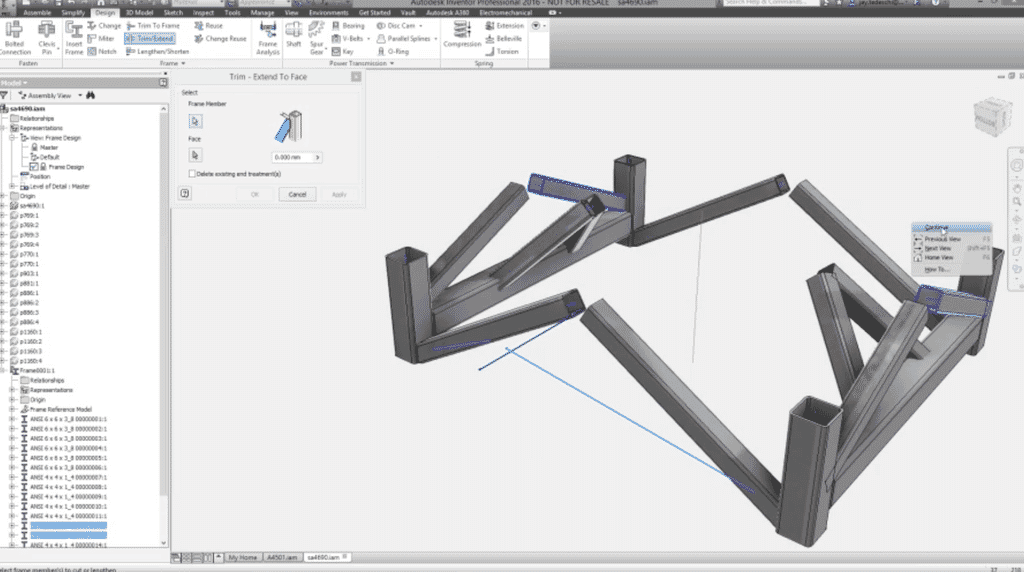
- Creating a frame analysis in simulation
- Set frame loads and joints
- Display and analyse results
- Simulation guide
Fusion technology preview
- Inventor to Fusion
- Edit features
- Fusion to Inventor
Inventor publisher
- Creating presentations in Autodesk Inventor Publisher
Audience
For users with a good working knowledge of previous releases of Autodesk Inventor who want to be aware of the new and enhanced functionality of Autodesk Inventor 2013.